
To sell Bundles on Maestro, ensure that your Shopify Store is integrated with Maestro. For assistance, see our dedicated article: How to Install the Shopify Integration on Maestro
Once your Shopify store is connected, navigate to the page or channel where you'd like to sell your bundle. On the admin bar, click "Gate", denoted with a lock icon. Then, click "EDIT GATE" on the bottom of your browser window.
Click the box that says "Set Up Access"
Then, choose "Ticket, Bundle, or Subscription" as your access control method.
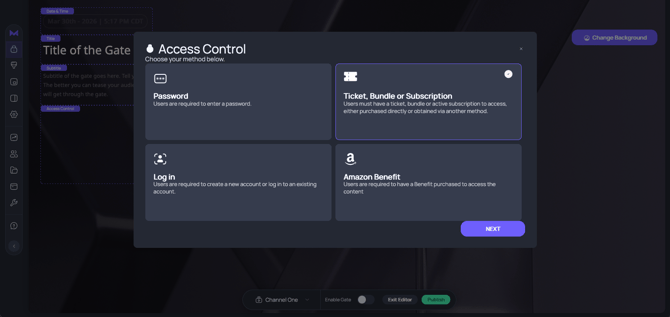
From there, click "Add Ticket, Bundle, or Subscription." The modal will populate your previously created tickets and subscriptions. To create a bundle, click "Create Bundle" at the top of the modal.

Follow the steps in the modal to create your bundle.
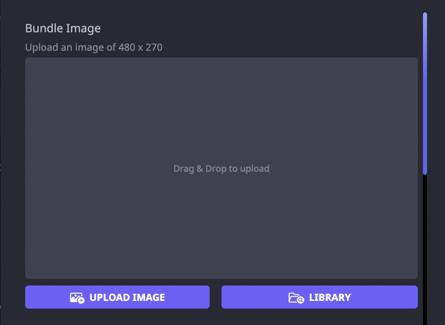
First, you may add an optional image. This can be helpful for showing your viewers the awesome merch attached to this ticket bundle.
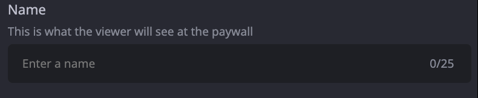
Next, enter a name for the bundle. This name is visible to viewers on the paywall.
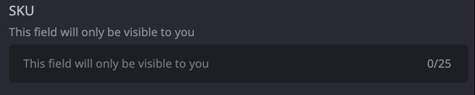
Then, enter the SKU for the bundle. This is only visible to you.
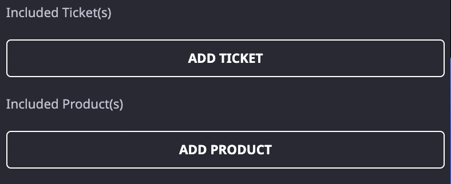
Next, attach a ticket and product to the bundle. Click the buttons in order to add.
Maestro will list products from a connected Shopify Store. Choose the products you wish to attach to your bundle by hovering your cursor over the image and clicking "Use".
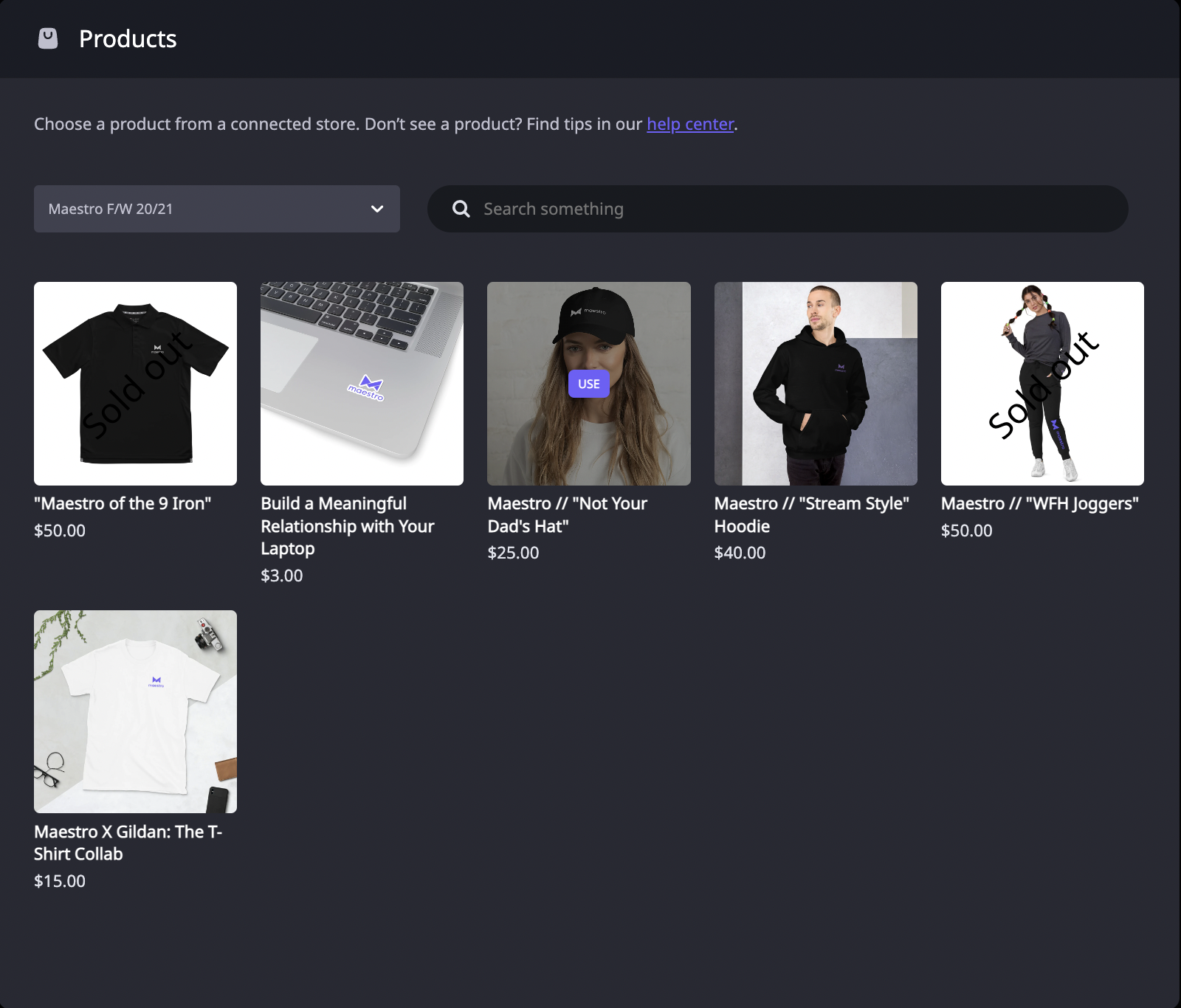
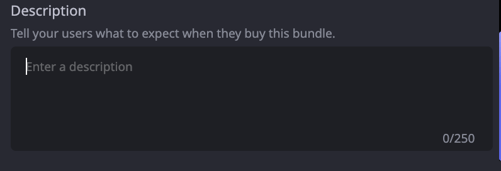
Add as many products as you like by following those steps. When you're finished, you can add a description. This will auto-populate with the names of the tickets and products, but you can add more detail or choose not to provide a description at all.
-
- Fixed Product Price — Keep the Shopify product price as-is and set the entitlement to the difference
- Apply Discount to Total — Apply a discount across all items to reach your target bundle price
Save the bundle. Maestro will automatically create the corresponding product and bundle in your Shopify store, restricted to the Maestro sales channel.
To learn more about ticket and subscription gates, click here.
Once the bundle is added to the gate and you publish your changes, your bundle will be on sale and available to purchase.
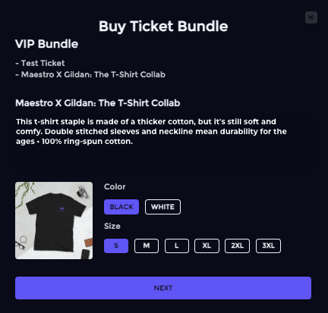
At the gate, the bundle will appear as another ticket option.
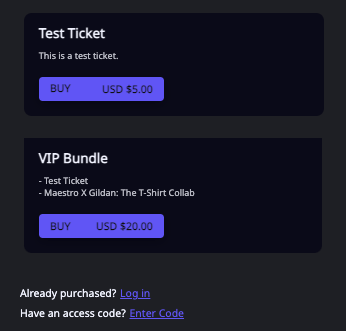
When a user clicks it, they will be presented with the descriptions you created:
How Checkout Works
When a viewer selects a bundle at checkout:
- A price breakdown is displayed showing the individual items and total bundle price
- The viewer is redirected to Shopify to complete payment
- After successful payment, the viewer is redirected back to Maestro where their entitlement is automatically granted
- A confirmation screen shows the order details including the Shopify order reference
Commission & Billing
Maestro takes a 5% commission on Shopify merchandise sales (deducted automatically via the Maestro Shopify App). Entitlement revenue is subject to an 18% service fee via Stripe. You must accept the Shopify recurring charge before selling merchandise through your Maestro site.
Refunds & Cancellations
Refunds and cancellations for bundles are managed through the Maestro Community dashboard. Bundle orders appear in your Shopify admin as standard orders.
Join our Discord server for more helpful tips and tricks!