![Maestro_Help_Center _White.svg]](https://support.maestro.io/hubfs/Maestro_Help_Center%20_White.svg)
You can export quest raffle entries in the Analytics dashboard by using the following steps:
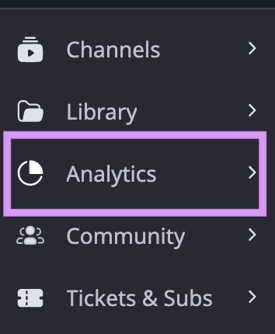
- Click "Analytics" in the admin bar
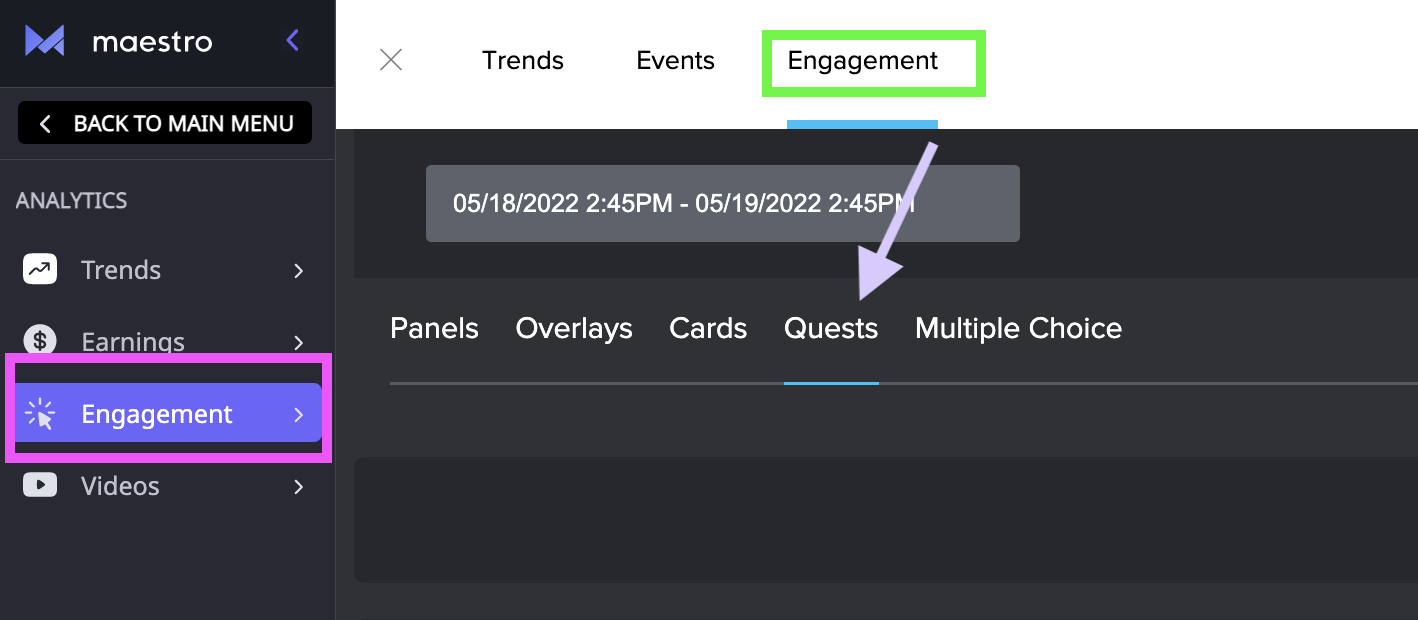
- Navigate to the "Engagement" tab
- Click "Quests"
- Click the export button
The export will download a CSV file.
Have any more questions? Join our Discord server for more helpful tips and tricks.