Here's how to remove an admin on Maestro in five steps:
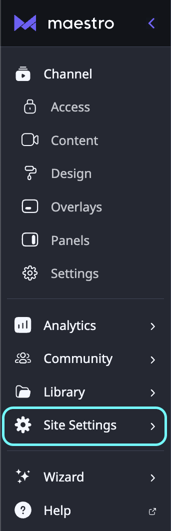
- In your admin bar, click "Site Settings" > "Admin"
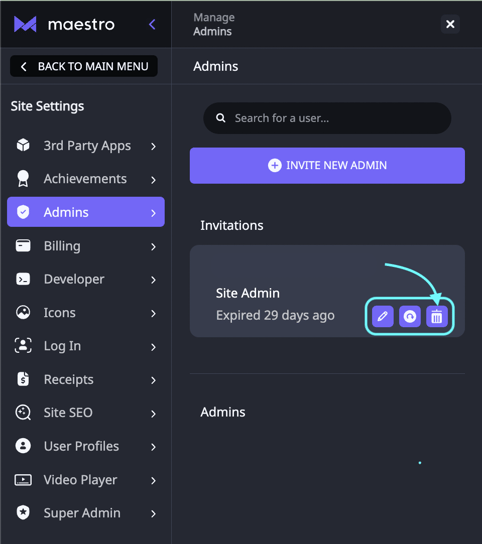
- Search for the user's name or email in the list of current admins
- Click the Trash Can icon next to their name.
![Maestro_Help_Center _White.svg]](https://support.maestro.io/hubfs/Maestro_Help_Center%20_White.svg)
Here's how to remove an admin on Maestro in five steps: